Koi vs. Zed
This comparison examines both editors across five categories: performance, privacy, workflow, customization, and ownership.
At a glance:
- Koi focuses on editing performance, local-first development, and document-based workflows.
- Zed focuses on collaboration, AI-assisted development, flexible layouts, and cross-platform support.
Performance
Typing latency
Lower latency means the editor responds more quickly to each keypress. All measurements in milliseconds.
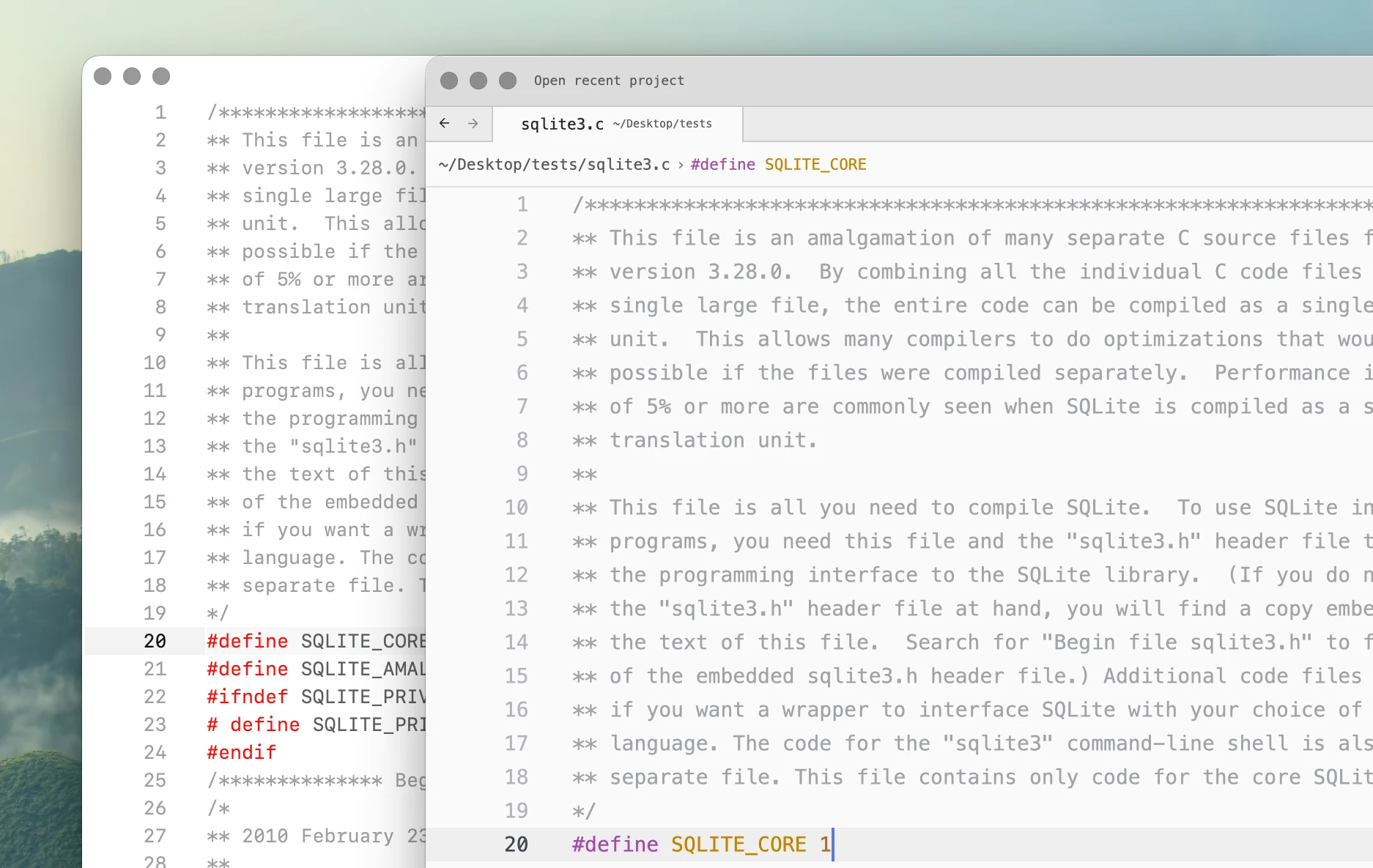
Single pane displays one view of the test file. Dual pane displays the same document simultaneously in two editor panes while typing in one pane.
sqlite3.c (151,639 lines)
| Editor | Median | p95 | p99 | Max | Tail Spread | vs Fastest (p95) |
|---|---|---|---|---|---|---|
| Koi | 14.2 | 16.3 | 17.0 | 17.1 | 2.0 | 1.01x |
| Zed | 28.6 | 38.2 | 42.1 | 42.4 | 9.6 | 2.37x |
Dual pane:
| Editor | Median | p95 | p99 | Max | Tail Spread | vs Fastest (p95) |
|---|---|---|---|---|---|---|
| Koi | 14.0 | 16.0 | 17.4 | 17.4 | 1.9 | 1.00x |
| Zed | 36.7 | 44.1 | 49.5 | 50.3 | 7.4 | 2.76x |
gcc.c (753,821 lines)
| Editor | Median | p95 | p99 | Max | Tail Spread | vs Fastest (p95) |
|---|---|---|---|---|---|---|
| Koi | 14.5 | 16.6 | 17.3 | 17.7 | 2.2 | 1.00x |
| Zed | 43.2 | 57.3 | 64.8 | 65.0 | 14.1 | 3.44x |
Dual pane:
| Editor | Median | p95 | p99 | Max | Tail Spread | vs Fastest (p95) |
|---|---|---|---|---|---|---|
| Koi | 14.6 | 16.4 | 17.5 | 17.7 | 1.8 | 1.00x |
| Zed | 52.7 | 70.0 | 73.9 | 75.0 | 17.3 | 4.26x |
Large file handling
Large file performance measures whether an editor can open and navigate very large files while remaining responsive.
An editor passes when it opens and becomes responsive with syntax highlighting working throughout the document within 30 seconds.
| Editor | 1M lines | 5M lines | 10M lines | 20M lines |
|---|---|---|---|---|
| Koi | ||||
| Zed | - | - |
- Zed has degraded performance with the larger files. With the 1M-line file, Zed spawns clang, which uses approximately 100% CPU. With the 5M-line file, clang uses approximately 200% CPU and Zed itself uses approximately 200% CPU until force quit.
- Zed fails to open the 10M-line file within the benchmark time limit, uses around 16 GB of total memory, then becomes unresponsive during cursor movement and editing.
Large file memory usage
Memory values are shown as main process / additional processes / total where multiple processes are used.
| Editor | 1M lines | 5M lines | 10M lines | 20M lines |
|---|---|---|---|---|
| Koi | 207.6 MB | 698.3 MB | 1.10 GB | 2.32 GB |
| Zed | 1.63 GB / 202.5 MB / 1.83 GB | 9.03 GB / 4.50 GB / 13.53 GB | - | - |
Memory is measured after opening, navigating, and editing the file and allowing the editor to settle.
Large file typing latency
P95 latency for each file size that remained usable in the large-file benchmark.
| Editor | 1M lines | 5M lines | 10M lines | 20M lines |
|---|---|---|---|---|
| Koi | 19.3 ms | 20.5 ms | 31.0 ms | 37.3 ms |
| Zed | 164.9 ms | - | - | - |
- Zed was unable to complete the latency test on the 5M-line file.
Test environment
| Component | Value |
|---|---|
| Hardware | Mac mini M2 Pro, 16 GB RAM |
| Operating System | macOS 15.7.5 |
| Display | 60 Hz |
| Koi | 0.1.0-b207 |
| Zed | 1.10.3 |
Typing latency is measured using Keypress.sh, which records the time between a simulated keypress and the updated frame appearing on screen. Graphical applications are launched directly from their bundled Mach-O executables.
See Benchmarks for the complete methodology, configurations, raw measurements, and results for other editors.
Privacy
Both Koi and Zed support local editing, but take different approaches to network-connected features.
| Capability | Koi | Zed |
|---|---|---|
| Account required for editing | No | No |
| Offline editing | Yes | Yes |
| Built-in telemetry | No | Yes, optional |
| Cloud AI available | No | Yes |
| Local AI support | Yes | Yes |
| Open source | No | Yes |
- Koi does not include telemetry and performed no background network communication during normal editing in testing.
- Zed includes usage metrics and crash-report telemetry, which can be disabled in settings.
- Zed also sends server-side telemetry when its hosted AI or collaboration services are used.
- Both editors can use local models, including Ollama.
Network activity was observed using LuLu while performing normal editing tasks.
Workflow
| Feature | Koi | Zed |
|---|---|---|
| Multiple windows | Yes | Yes |
| Multiple panes | Yes | Yes |
| Drag tabs between windows | Yes | No |
| Tear off tabs into new windows | Yes | No |
| Open same document in multiple windows | Yes | No |
| Tab multi-select | Yes | No |
| Flexible pane layout | Limited | Yes |
| Keyboard-first navigation | Yes | Yes |
| Cross-platform | No | Yes |
- Koi uses a document-based multi-window model. Tabs can be moved between windows or torn off into new windows, and the same document can remain open and synchronized across multiple windows. Multiple selected tabs can also be displayed side by side automatically.
- Zed provides more flexible pane layouts and supports macOS, Linux, and Windows.
Customization
Editor configuration
| Capability | Koi | Zed |
|---|---|---|
| Plain-text configuration | Yes | Yes |
| Keyboard shortcuts | Yes | Yes |
| Custom themes | Yes | Yes |
| Override individual theme colors | Yes | Yes |
| Local themes | Yes | Yes |
| User settings reload without restart | Yes | Yes |
- Koi themes are plain text and can be placed directly in the configuration file.
- Zed supports theme overrides, local JSON themes, themes distributed as extensions, and a theme builder.
Automation and extensions
| Capability | Koi | Zed |
|---|---|---|
| General editor scripting | Yes | No |
| Scripting language | Python | - |
| Procedural extension language | Python | Rust |
| Compile required for procedural code | No | Yes |
| Edit and reload directly | Yes | Partial |
| Extension installation | Not required | Yes |
- Koi exposes editor functionality directly to Python scripts. A command can be added to the scripts file, saved, and run without compiling or packaging an extension.
- Zed extensions can provide languages, debuggers, themes, icon themes, snippets, MCP servers, and related integrations. Extensions that require procedural code use Rust compiled to WebAssembly. Many extensions, such as themes and snippets, do not require Rust code.
- Zed extensions are not currently a general-purpose editor scripting system for arbitrary modification of the editor interface or behavior.
Example: adding a custom editor command
In Koi:
- Write command,
def sort_imports(): ... - Save
- Run
Koi scripts have direct access to the editor API and can add commands without compilation or installation.
Zed's extension API is designed around supported extension capabilities rather than arbitrary user-defined editor commands.
Ownership
| Capability | Koi | Zed |
|---|---|---|
| One-time purchase | Yes | - |
| Free editor | Non-commercial | Yes |
| Cloud subscription available | - | Yes |
| Account required for editing | No | No |
| Source available | No | Yes |
| Core editor usable without cloud services | Yes | Yes |
-
Koi personal license is a one-time purchase and does not require an account or subscription for continued use. Non-commercial use is free.
-
Zed's editor is free and open source. Its hosted AI and other cloud services are separate from the core editor and may require an account, subscription, or external provider.
Summary
Choose Koi if you value:
- Lower measured typing latency
- Large file editing
- Local-first development
- No built-in telemetry
- Python automation
- Tab multi-select
- Multi-window document management
- One-time purchase
Choose Zed if you value:
- Cross-platform support
- Collaborative editing
- Flexible pane layouts
- Built-in agent workflows
- Cloud and local AI options
- Broader language and tooling integrations
- Open-source development
Related: